🎓 Mockoon Live Training
Schedule a live training session for yourself or your team and learn how to make the most of Mockoon applications
This live training is crafted to kickstart your journey with Mockoon applications (desktop and CLI), helping you harness the full potential of API mocking. It will guide you through every step of your progression, from novice to advanced user, teaching you to create, optimize, and deploy your first mock API effortlessly.
Get started with Mockoon applications (desktop and CLI).
Learn how to use advanced key features.
Step-by-step progression from beginner to advanced user.
Training delivered by the creator of Mockoon!
Training schedule
- Introduction to Mockoon and installation
- Discover the main features of the application
- Create your first mock API
- Configure your server settings
- Further configuration of your mock API (headers, query parameters, etc.)
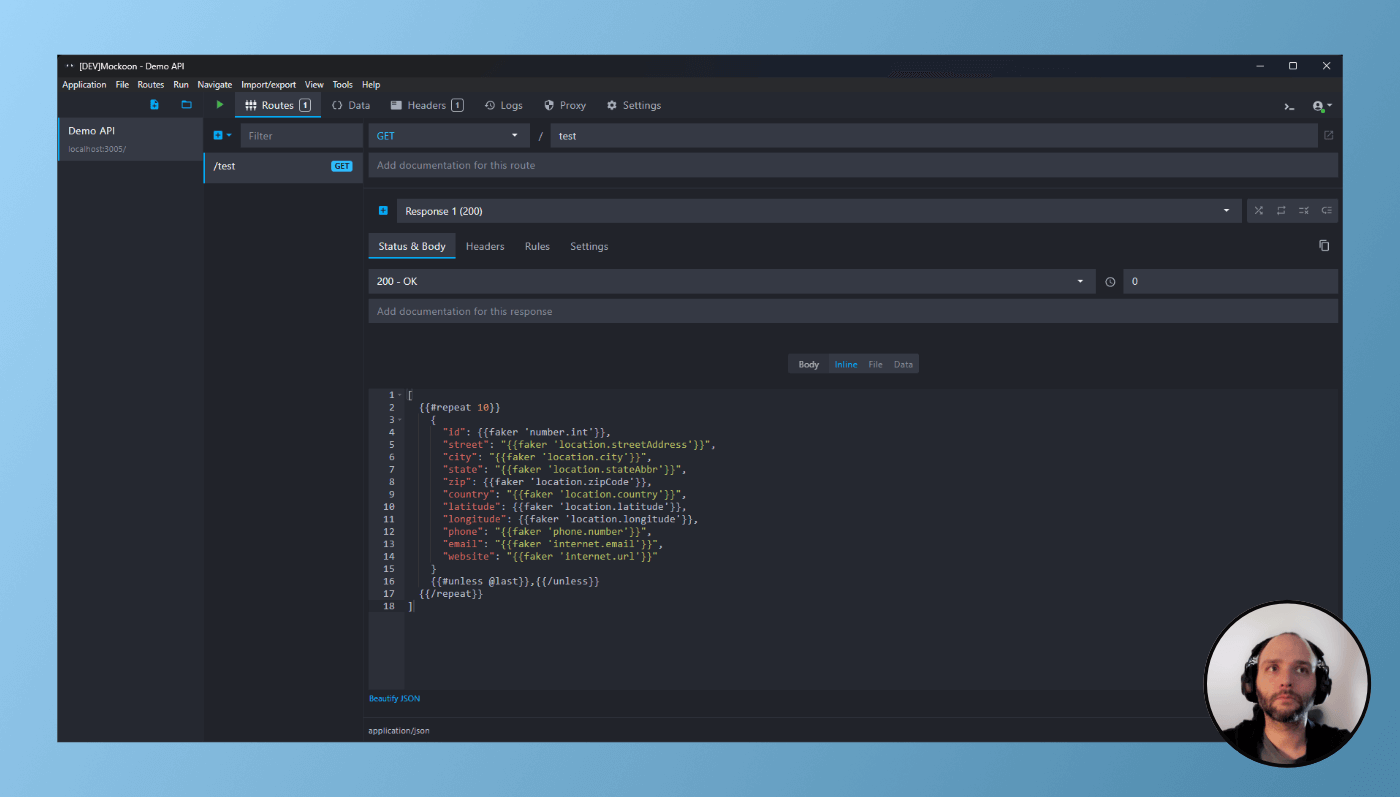
- Use templating to create dynamic and realistic responses
- Create multiple responses for a route
- Chaos testing with random and sequential modes
- Add rules to serve the right response at the right time
- Partial mocking with the proxy mode
- Record and replay requests to create mocks
- Import an OpenAPI or Swagger file to create mocks
- Deploy your mocks anywhere with the CLI
- Discover the Docker image and GitHub Actions integration
- Create reusable mock data with the data buckets
- Create automated CRUD endpoints
- Trigger callbacks and webhooks
- Create global rules and route guards
- Simulate complex scenarios with variables

by Guillaume
Creator of Mockoon
Next available sessions:
March 19th, 2026 - from 13:00 to 17:00 GMT+00:00
May 13th, 2026 - from 12:00 to 16:00 GMT+00:00
Price: 199 USD (excluding taxes) per participant (virtual class)
Be sure to enter a valid email address as we will get in touch with you after your booking to invite you to the training session.
Contact us for group bookings or custom training.